

Google Forms vs Jotform: Which survey tool is better?
Google Forms is best known for fast, simple surveys with Google Sheets export. Jotform is a form builder that can run surveys too, with more templates, styling, and integrations.
Quick Verdict
• Choose Google Forms if you want a simple internal survey or classroom-style quiz and you already use Google Workspace/Sheets.
• Choose Jotform if you need more templates, branding controls, integrations, or to combine survey questions with workflows like registrations or payments.
• Choose either if your surveys are straightforward (basic question types + simple branching) and you plan to do deeper analysis outside the tool.
• Look elsewhere if you need research-grade survey analytics and methodology features (advanced reporting, segmentation, crosstabs, etc.).
Key Takeaways
- Fast basics vs workflow forms: Google Forms is optimized for quick surveys and simple summaries, while Jotform is built around flexible form workflows that can also function as surveys.
- Integrations are the divider: Jotform’s integration catalog (150+ listed) is a major advantage for routing responses to other tools; Google Forms’ strongest “integration” is exporting to Google Sheets.
- Branding and polish: Jotform offers brand styling (logo, fonts, colors), but the free plan keeps Jotform branding; Google Forms customization appears limited to basic theming.
- Pricing clarity differs: Jotform has published starting pricing ($19/month for Bronze) and a free Starter plan; concrete Google Forms plan limits and survey-specific pricing details were not available in the provided sources.
- Analytics depth is a question for both: Google Forms’ native reporting is basic, and Jotform’s survey-focused analytics depth was not clearly documented in the provided pages.
How Do Google Forms and Jotform Compare?
Google Forms and Jotform can both handle straightforward surveys with common question types and basic branching. The main practical differences are how you build and distribute surveys, how well the tool fits into broader workflows, and how clear pricing and limits are. Google Forms leans on Google Sheets for analysis, while Jotform leans on templates, styling, and integrations.
| ||
|---|---|---|
| Overall Score |
|
|
| Starting Price |
|
|
| Free Plan |
|
|
| Standout Features |
|
|
| Areas to Improve |
|
|
| Recommended For |
|
|
Best Form Experience: Jotform
Jotform is positioned around a drag-and-drop builder with a large template library and brand styling options, which typically leads to a more customizable end-to-end experience. Google Forms is quick and familiar, but customization and “polish” appear more limited based on the provided sources.
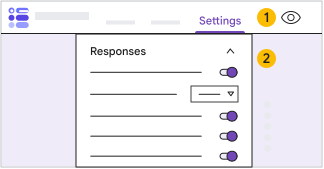
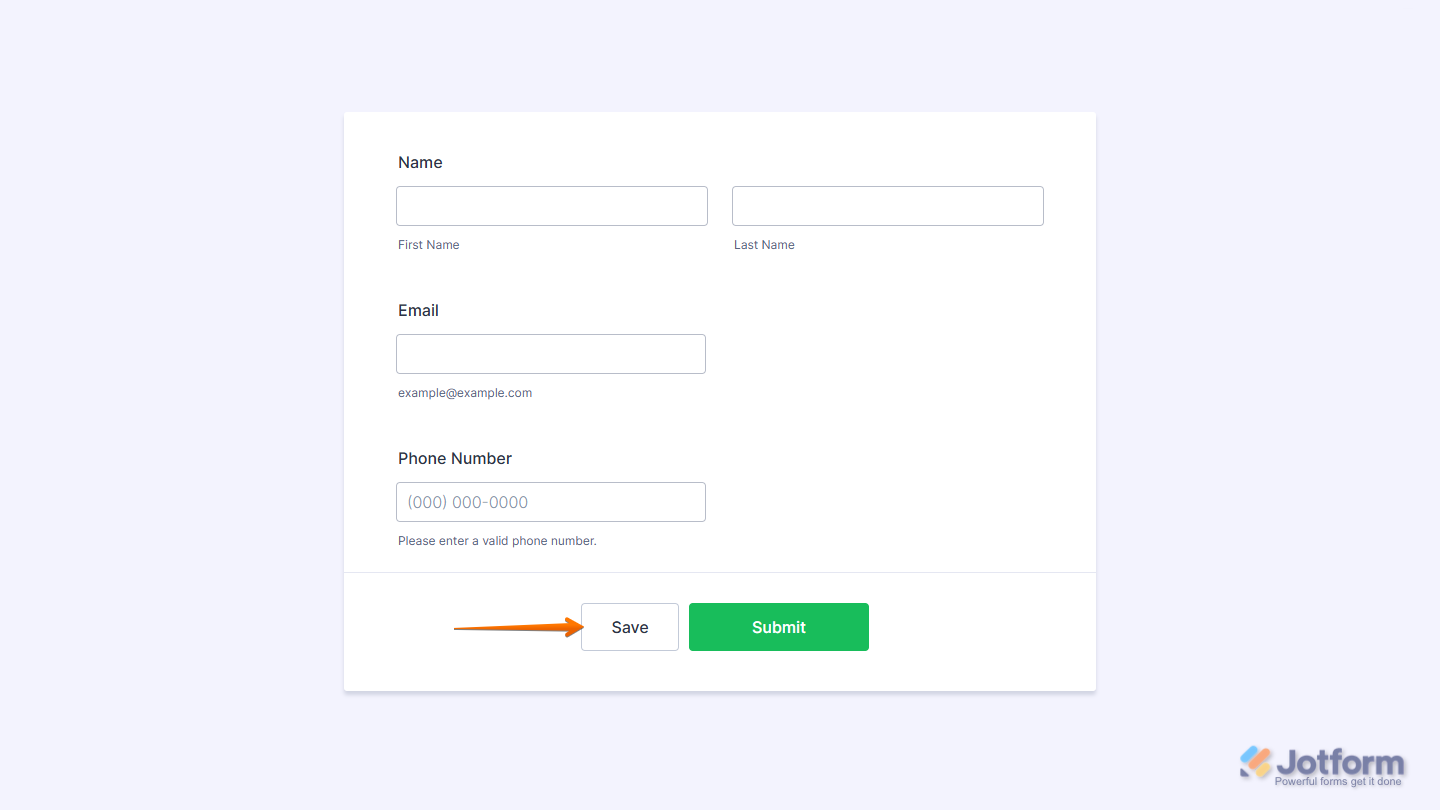
Comparing forms created on Google Forms (on the left) and Jotform (on the right)
Best Building Experience: Google Forms
Google Forms is designed to get a simple survey live quickly, with straightforward sharing (link, email, embed) and an uncomplicated editor. Jotform’s builder is also drag-and-drop, but it’s more feature-heavy and may take longer to configure when you add widgets, workflows, or integrations.
Best Pricing: Jotform
Jotform has a permanent free Starter plan and published entry pricing ($19/month for Bronze), making it easier to evaluate cost and upgrade paths. Google Forms can be used with a personal Google account and is included with Google Workspace, but the provided sources did not include clear Forms-specific plan limits or pricing details for survey use cases.
Both tools offer a discount for annual billing. Check their pricing pages for the latest offers.
Best Functionality: Jotform
For survey-adjacent workflows, Jotform stands out with conditional logic, payment collection inside forms, and a large integration catalog (150+ listed). Google Forms covers core survey needs (question types, templates, branching, Sheets export) but appears lighter on advanced workflow features and native reporting.
Best Support: Jotform
The provided sources for Jotform mention 24/7 customer support and a 30-day money-back guarantee on paid plans. For Google Forms, the provided notes did not include specific impressions or sourced details about support or documentation quality, so Jotform has the clearer support signal based on the available information.
The Final Verdict: Should you use Google Forms or Jotform?
Pick Google Forms if your priority is creating a simple survey quickly and you’re happy with basic charts plus Google Sheets export for analysis. It’s a sensible choice for schools, small teams, and internal operations where collaboration and sharing matter more than survey methodology. Pick Jotform if you need a more flexible builder with lots of templates, stronger branding controls, and integrations to push responses into other tools (and especially if you want to collect payments or run registration-style flows alongside survey questions). Neither tool is positioned as a research-grade survey platform based on the provided sources, so if you need advanced survey analytics and methodology features, you’ll likely want a dedicated survey product. For most workflow-driven survey use cases, Jotform edges ahead; for lightweight, no-fuss internal surveys, Google Forms is often the simpler option.
This comparison is based on our standardized testing methodology where we put both tools through the same rigorous evaluation process.
- We create real accounts and build actual forms.
- We test specific features like logic, payments, and integrations.
- We evaluate the respondent experience on mobile and desktop.
- We verify pricing claims and support responsiveness.