


SurveyMonkey vs Typeform: Which survey tool is better?
SurveyMonkey and Typeform both cover core survey building and sharing, but they optimize for different outcomes. SurveyMonkey leans into templates, standard survey programs, and team/enterprise admin, while Typeform prioritizes a polished, conversational respondent experience and marketing-friendly integrations.
Quick Verdict
• Choose SurveyMonkey if you want lots of ready-made templates, standard survey programs (like NPS), and team/enterprise controls (roles, permissions, SSO, data residency).
• Choose Typeform if the respondent experience and design matter most (one-question-at-a-time), and you want branching logic plus marketing/CRM-style integrations.
• Choose either if you mainly need link + embed distribution and straightforward feedback surveys—just watch the response limits and plan gating.
• If you expect high response volume on a budget, compare alternatives to both (cost and limits can become the deciding factor).
Key Takeaways
- Different strengths: SurveyMonkey is template- and program-driven for common business surveys; Typeform is experience- and design-driven for completion and presentation.
- Response limits matter: SurveyMonkey’s free plan only lets you view 25 responses per survey; Typeform’s limits also scale by plan and can get expensive at higher volumes.
- Logic and flow: Typeform emphasizes conditional logic and multiple endings; SurveyMonkey’s advanced logic/reporting can be more tier-dependent.
- Team and enterprise: SurveyMonkey calls out enterprise options like SSO and data residency; Typeform reserves many enterprise security controls for its Enterprise tier.
- Integrations are strong on both: SurveyMonkey claims 200+ integrations; Typeform commonly connects via webhooks, Zapier, and tools like Google Sheets, HubSpot, and Slack.
How Do SurveyMonkey and Typeform Compare?
Both tools let you build surveys with common question types and share via link and embed. SurveyMonkey is often the more “traditional survey platform” choice with extensive templates and enterprise administration options, but key capabilities and response limits can be tightly tied to plan tier. Typeform focuses on conversational delivery, branding, and logic-driven flows, with analytics/optimization features more available on higher plans. Your best pick typically depends on whether you prioritize standardized survey programs and governance (SurveyMonkey) or completion-focused design and integrations for growth workflows (Typeform).
| | |
|---|---|---|
| Overall Score |
|
|
| Starting Price |
|
|
| Free Plan |
|
|
| Standout Features |
|
|
| Areas to Improve |
|
|
| Recommended For |
|
|
Best Form Experience: Typeform
Typeform is built around a one-question-at-a-time, conversational format that tends to feel more polished for respondents. If completion rate and presentation are priorities (customer feedback, lead capture), Typeform’s experience is usually the better fit than a traditional survey layout.

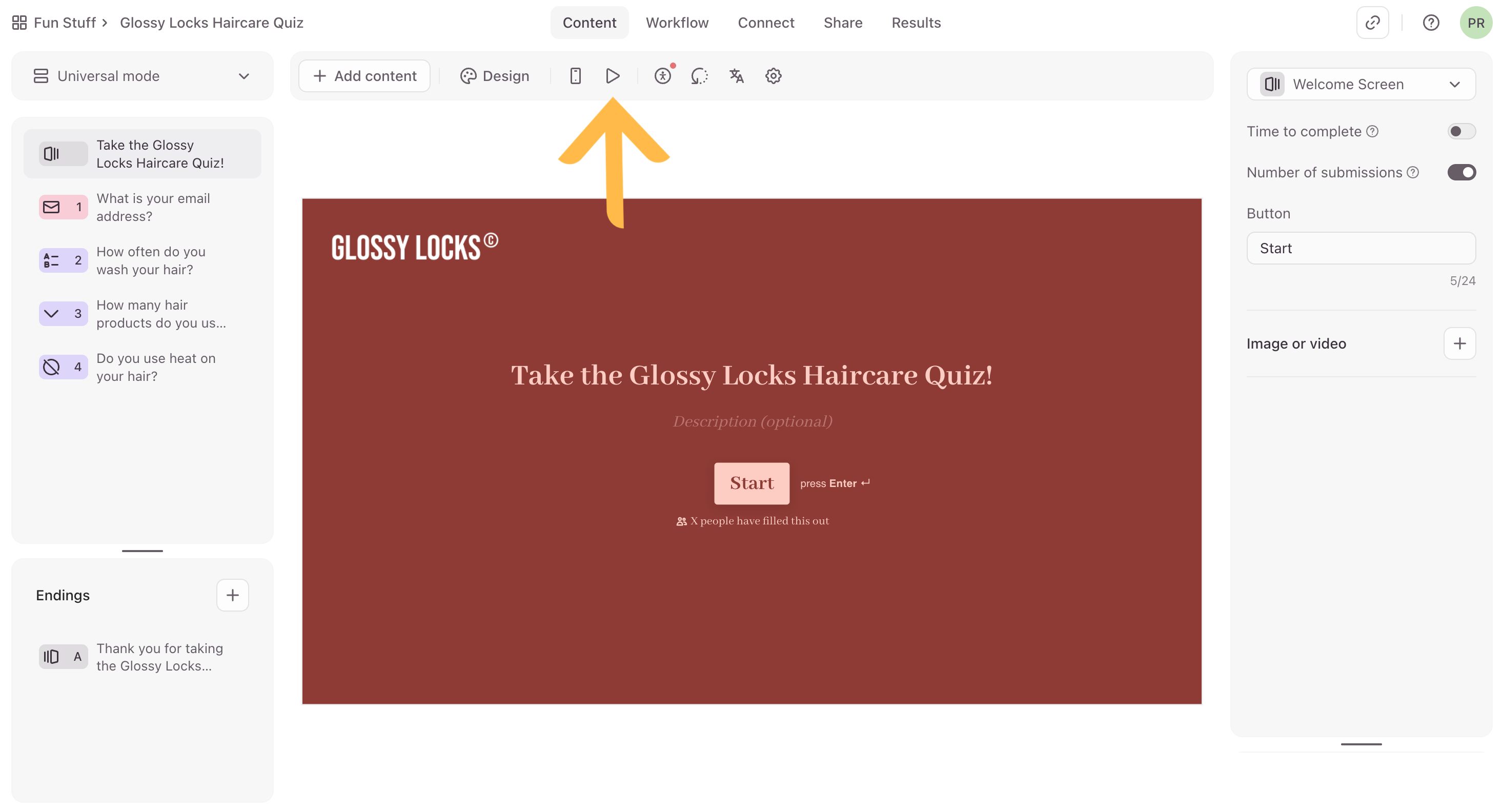
Comparing forms created on SurveyMonkey (on the left) and Typeform (on the right)
Best Building Experience: SurveyMonkey
SurveyMonkey is quick to start with because you can choose from 500+ templates or generate a draft via an AI prompt, then distribute by link, email, or embed. Typeform can be fast for simple forms too, but logic branching and multiple endings often require more careful flow setup.
Best Pricing: Typeform
Typeform’s entry pricing is transparent (starting at $29/month), making it easier to estimate baseline cost than SurveyMonkey’s team tiers shown as custom pricing here. That said, both tools can become costly as response volume grows due to plan-based limits and gated features.
Both tools offer a discount for annual billing. Check their pricing pages for the latest offers.
Best Functionality: SurveyMonkey
SurveyMonkey is oriented around common survey programs (customer, employee, event feedback, market research) and includes broad distribution options plus 200+ integrations (as claimed on its homepage). Typeform shines for conversational flows, logic, and some higher-tier optimization/AI insights, but it’s less positioned for deep, analysis-first survey work.
Best Support: Typeform
Typeform clearly differentiates support by tier (email support, live chat on higher tiers, and enterprise onboarding/account management). For SurveyMonkey, the provided info mentions enterprise Customer Success and premium onboarding, but doesn’t provide enough detail on support access, SLAs, or documentation quality to confidently rank it higher.
The Final Verdict: Should you use SurveyMonkey or Typeform?
Typeform is the better pick when the respondent experience is the priority: its conversational format, design controls, and logic-driven flows suit lead capture and customer feedback where completion rate matters. SurveyMonkey is the more traditional survey platform choice, with extensive templates, multiple distribution options (including email), and clearer enterprise-oriented administration features like roles/permissions and options such as SSO and data residency. For pricing, Typeform is easier to compare up front because it publishes monthly starting prices, while SurveyMonkey’s team tiers here are custom priced and its costs can become unpredictable with response overages. For high-volume programs on a tight budget, neither is an automatic win—SurveyMonkey’s free plan is very limited (25 viewable responses), and Typeform’s plan-based response limits can get expensive as you scale. If you need standardized survey programs and governance, SurveyMonkey is usually the safer fit; if you need polished, on-brand surveys tied into growth workflows, Typeform is typically the better choice.
This comparison is based on our standardized testing methodology where we put both tools through the same rigorous evaluation process.
- We create real accounts and build actual forms.
- We test specific features like logic, payments, and integrations.
- We evaluate the respondent experience on mobile and desktop.
- We verify pricing claims and support responsiveness.