


forms.app vs Typeform: Which survey tool is better?
forms.app and Typeform both handle everyday surveys (NPS, Likert, open-ended) with logic, sharing links, and embeds. The practical difference is that forms.app leans into value and workflow add-ons, while Typeform leans into a more presentation-first survey experience and larger integration ecosystem—at a higher price as volume grows.
Quick Verdict
• Choose forms.app if you want a generous free tier, lower starting cost, and useful extras like payments or e-signatures when a survey doubles as a workflow.
• Choose Typeform if the respondent experience (one-question-at-a-time, branded presentation) is a priority for customer feedback and lead capture.
• Choose forms.app if you need webhooks/Zapier plus basic reporting without paying Typeform-level pricing.
• Choose Typeform if you can budget for higher tiers to unlock more reporting/optimization features and deeper marketing-style workflows.
Key Takeaways
- Value and limits: forms.app includes unlimited responses on every plan (including free) and unlimited team members; the free tier caps you at 5 forms. Typeform's pricing climbs quickly with response limits.
- Respondent experience: Typeform is built around a conversational, one-question-at-a-time format; forms.app is more traditional form/survey builder with lots of templates and themes.
- Logic and endings: Both support conditional logic and multiple endings, which covers most branching survey needs.
- Analytics gating: Both tools place higher-value analysis features on higher tiers (e.g., Typeform drop-off analysis on Business+; forms.app drop-off analysis on Pro+ and partial responses on Premium).
- Workflow add-ons vs survey-first analytics: forms.app includes payments (Stripe/PayPal) and e-signatures; neither tool is positioned as research-grade statistical analysis software.
How Do forms.app and Typeform Compare?
Both tools support core survey building: common question types, logic branching, multiple endings, and link/embed sharing. forms.app is typically the better fit when cost control and basic survey collection are the priority. Typeform is usually chosen when presentation and conversion-style optimization matter, but you’ll want to confirm which plan includes the branding and analytics you need. For research-grade analytics, you may need to compare against more survey-first platforms.
| | |
|---|---|---|
| Overall Score |
|
|
| Starting Price |
|
|
| Free Plan |
|
|
| Standout Features |
|
|
| Areas to Improve |
|
|
| Recommended For |
|
|
Best Form Experience: Typeform
Typeform is designed around a conversational, one-question-at-a-time experience and branded presentation, which is often the deciding factor for customer-facing surveys. forms.app offers themes and templates, but it’s positioned more as a practical builder than an experience-led survey format.
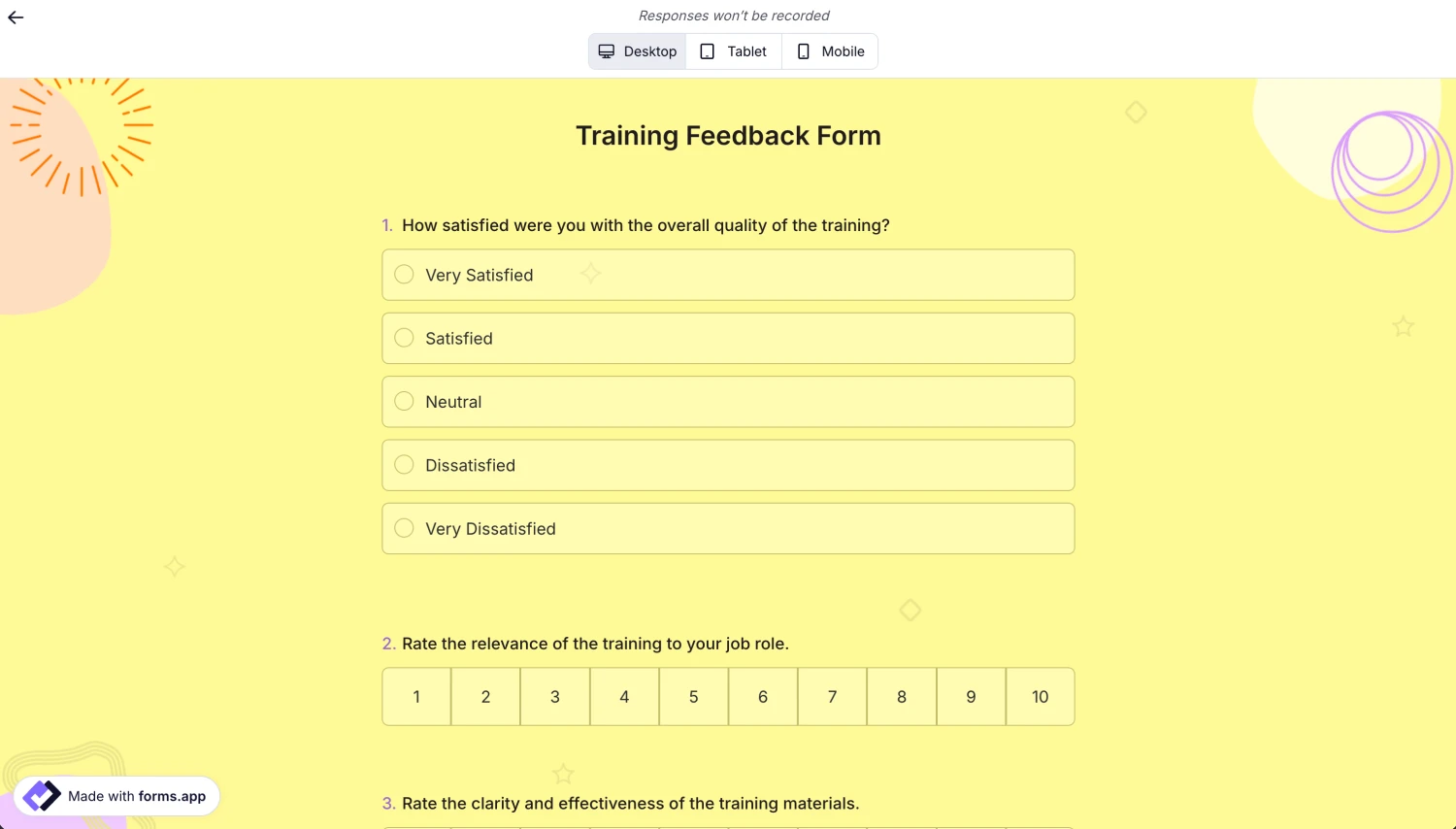
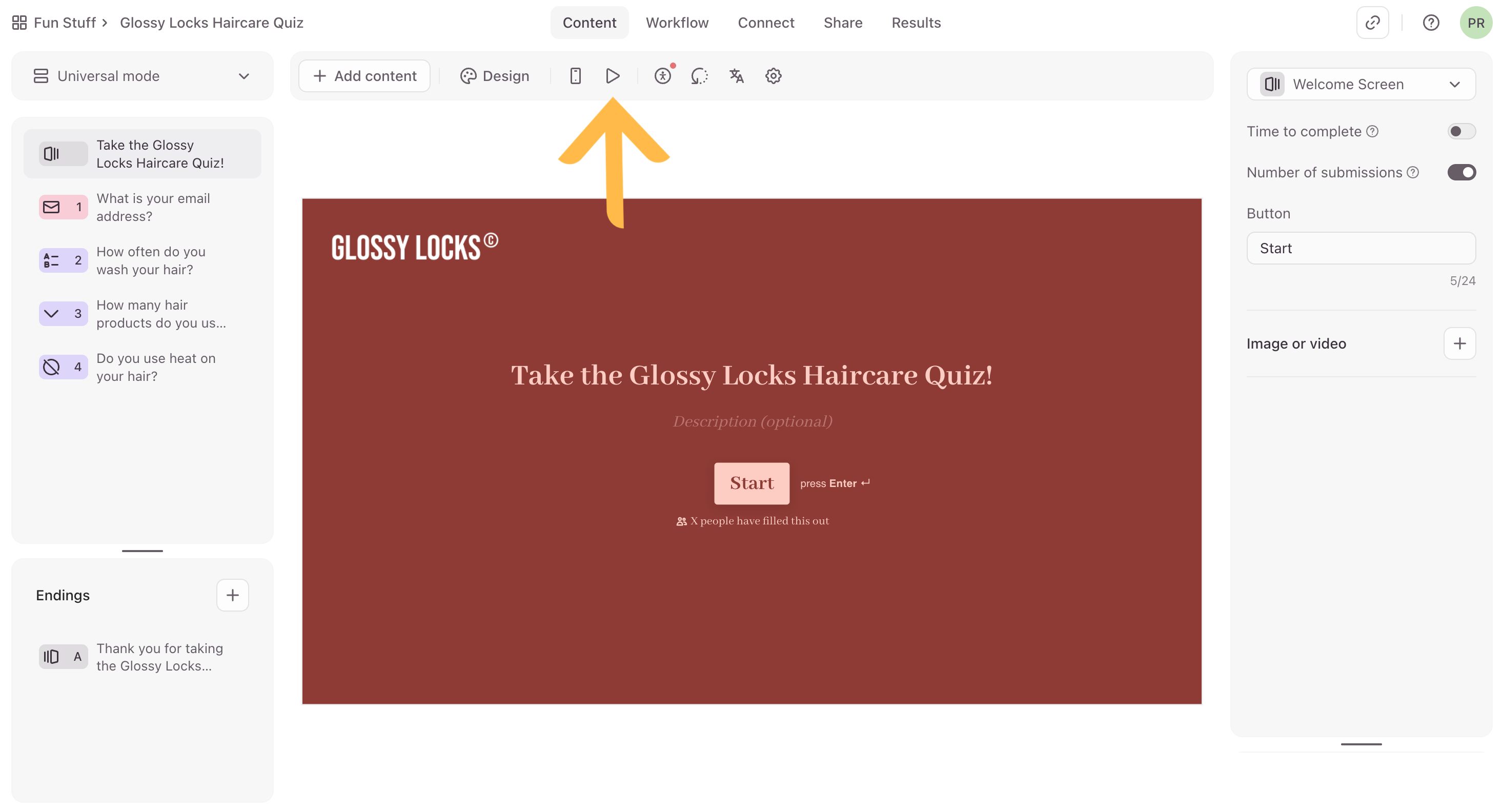
Comparing forms created on forms.app (on the left) and Typeform (on the right)
Best Building Experience: forms.app
forms.app combines templates (5,000+), themes (20+), and straightforward survey logic in a way that’s typically fast for common internal questionnaires and feedback forms. Typeform is also easy to publish, but conversational flows can take more planning when you rely heavily on branching and endings.
Best Pricing: forms.app
forms.app has a permanent free plan with unlimited responses and unlimited team members, and paid plans start at $19/month (annual). Typeform's entry plan starts at $29/month with tight response caps that get expensive as volume grows.
Both tools offer a discount for annual billing. Check their pricing pages for the latest offers.
Best Functionality: Typeform
Typeform offers a wide integration set (including Salesforce) and survey-specific capabilities like video questions/answers (plan-dependent), plus higher-tier features like Smart Insights and drop-off analysis. forms.app covers the essentials well and adds workflow-friendly features (payments, e-signatures), but its AI insights are listed as Beta and advanced survey analytics are limited and tier-gated.
Best Support: Typeform
Typeform support is clearly tiered (with higher tiers adding live chat and Enterprise onboarding/account management), which helps teams predict what they’ll get. forms.app lists live support and a help center plus a 90-day refund guarantee, but there’s limited detail in the notes about support levels by plan or real-world responsiveness.
The Final Verdict: Should you use forms.app or Typeform?
Pick Typeform if your surveys are customer-facing and the respondent experience is the main priority—especially for lead capture and feedback flows where design and completion rate matter. Pick forms.app if you want unlimited responses on every plan (including free), unlimited team members, and extras like payments and e-signatures when a survey is really part of a workflow. On analytics, both tools gate more useful optimization and reporting features to higher tiers (Typeform on Business+; forms.app on Pro/Premium), and neither is positioned as a research-grade analysis platform. For high-volume programs where cost per response matters, forms.app is usually the safer starting point, while Typeform tends to justify its price when branding, integrations, and a polished experience drive outcomes. If you need deep statistical reporting or research workflows, compare both against survey-first research tools before committing.
This comparison is based on our standardized testing methodology where we put both tools through the same rigorous evaluation process.
- We create real accounts and build actual forms.
- We test specific features like logic, payments, and integrations.
- We evaluate the respondent experience on mobile and desktop.
- We verify pricing claims and support responsiveness.